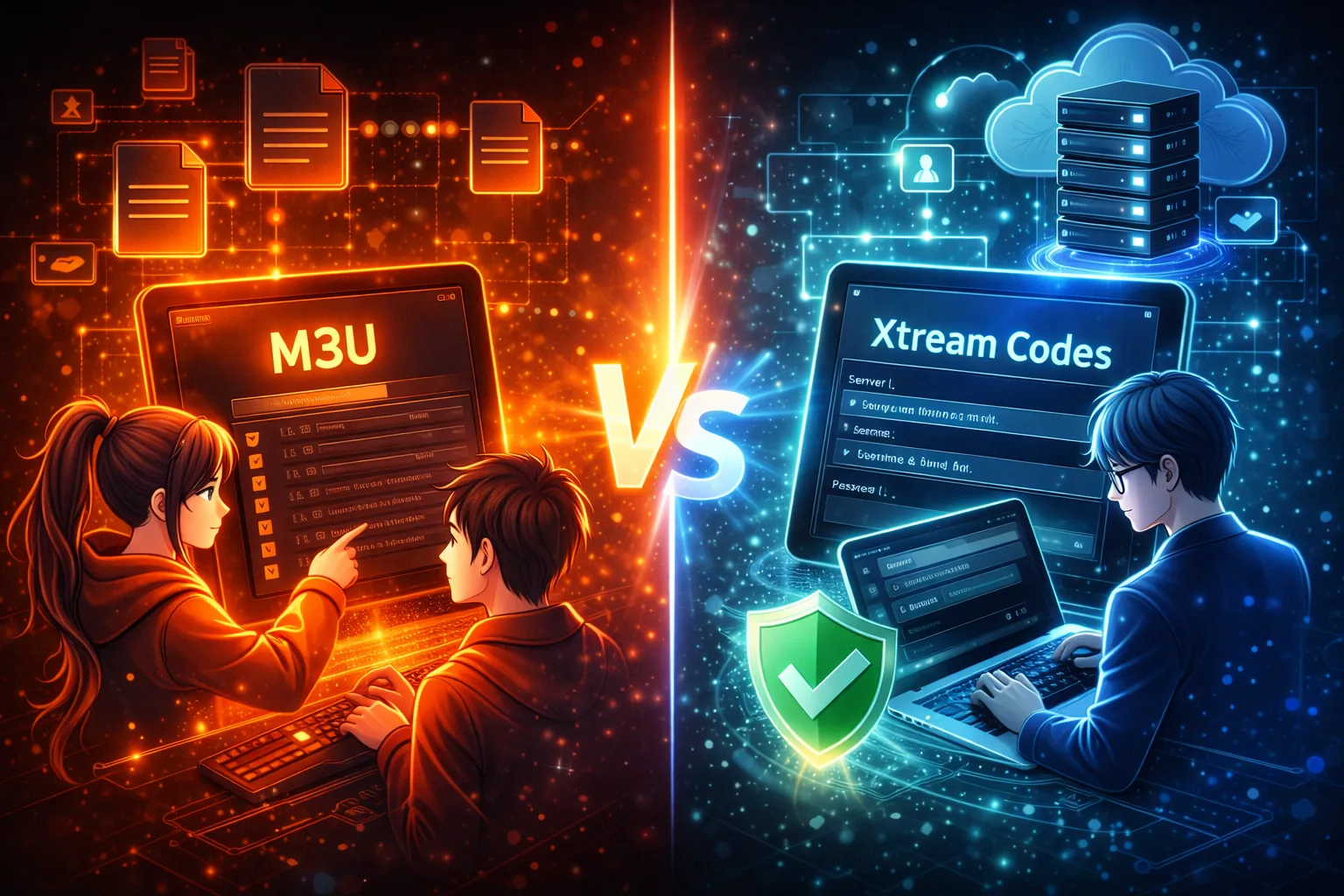
When setting up IPTV applications, users commonly encounter two access methods: M3U playlists and Xtream Codes. While both serve the same overall purpose — allowing IPTV apps to access streaming configurations — they work in very different ways.
This guide explains the difference between M3U and Xtream Codes, how IPTV apps handle each format, and the advantages and limitations of both approaches. The focus is on technical understanding rather than services or providers.
What Is an M3U Playlist?
An M3U playlist is a text-based file or URL that lists stream locations and related metadata. IPTV apps read these playlists line by line to display channels and connect to streams.
M3U playlists are widely used because they are simple, flexible, and compatible with most IPTV applications.
For a detailed explanation of how playlists work, see our guide on what an IPTV M3U playlist is and how it works.
What Is Xtream Codes?
Xtream Codes is a login-based authentication system used by IPTV apps to retrieve configuration data from a server. Instead of loading a playlist file directly, the app connects using a server URL, username, and password.
This allows IPTV apps to dynamically request account information and available configuration data.
A full breakdown of the login format and structure is covered in our article on IPTV Xtream Codes explained.
How IPTV Apps Handle Each Format

Although M3U playlists and Xtream Codes lead to similar outcomes inside IPTV apps, the process behind the scenes is different.
Using M3U Playlists
- The app loads a static playlist file or URL
- Stream links are parsed directly from the file
- Account status is not always clearly visible
Using Xtream Codes
- The app authenticates with the server
- Account details are retrieved dynamically
- Status and limits can be checked more easily
Key Differences Between M3U and Xtream Codes
While both formats serve IPTV applications, they differ in structure and behavior.
- Authentication: Xtream Codes uses login-based authentication, while M3U playlists rely on static URLs.
- Flexibility: Xtream Codes can update configurations dynamically without reloading playlists.
- Simplicity: M3U playlists are easier to inspect and edit manually.
- Account Visibility: Xtream Codes often provides clearer account status information.
Pros and Cons of Each Method
M3U Playlists
- Wide compatibility across devices
- Easy to customize or trim
- Works without login credentials
However, large playlists can affect performance, and account status is not always obvious.
Xtream Codes
- Centralized authentication
- Dynamic configuration updates
- Better visibility into account limits
On the downside, Xtream Codes requires correct server details and valid credentials to function.
Which One Is Better for Different Use Cases?

There is no universal “better” option. The right choice depends on how IPTV is being accessed and managed.
- M3U playlists are often preferred for simple setups or when manual control over playlists is needed.
- Xtream Codes is useful when dynamic updates and account-level control are important.
Understanding both formats allows users to adapt to different IPTV configurations more easily.
Common Problems With Each Approach
M3U Playlist Issues
- Broken or expired stream links
- Oversized playlists causing slow loading
- Formatting errors
Xtream Codes Issues
- Expired or inactive accounts
- Incorrect server URLs or ports
- Exceeded connection limits
If account-related issues are suspected, checking account status directly can help identify the problem. Our guide on checking IPTV account validity explains how to do this safely.
Understanding IPTV Access as a Technology
Both M3U playlists and Xtream Codes are methods used within IPTV systems. Neither format contains or hosts media content on its own.
For a general technical overview of IPTV as a technology, you can refer to Internet Protocol television on Wikipedia.
Final Recommendation
M3U playlists and Xtream Codes are simply different tools designed to solve the same problem: delivering configuration data to IPTV applications.
By understanding how each format works and where its strengths lie, users can make informed decisions and troubleshoot IPTV setups more effectively.